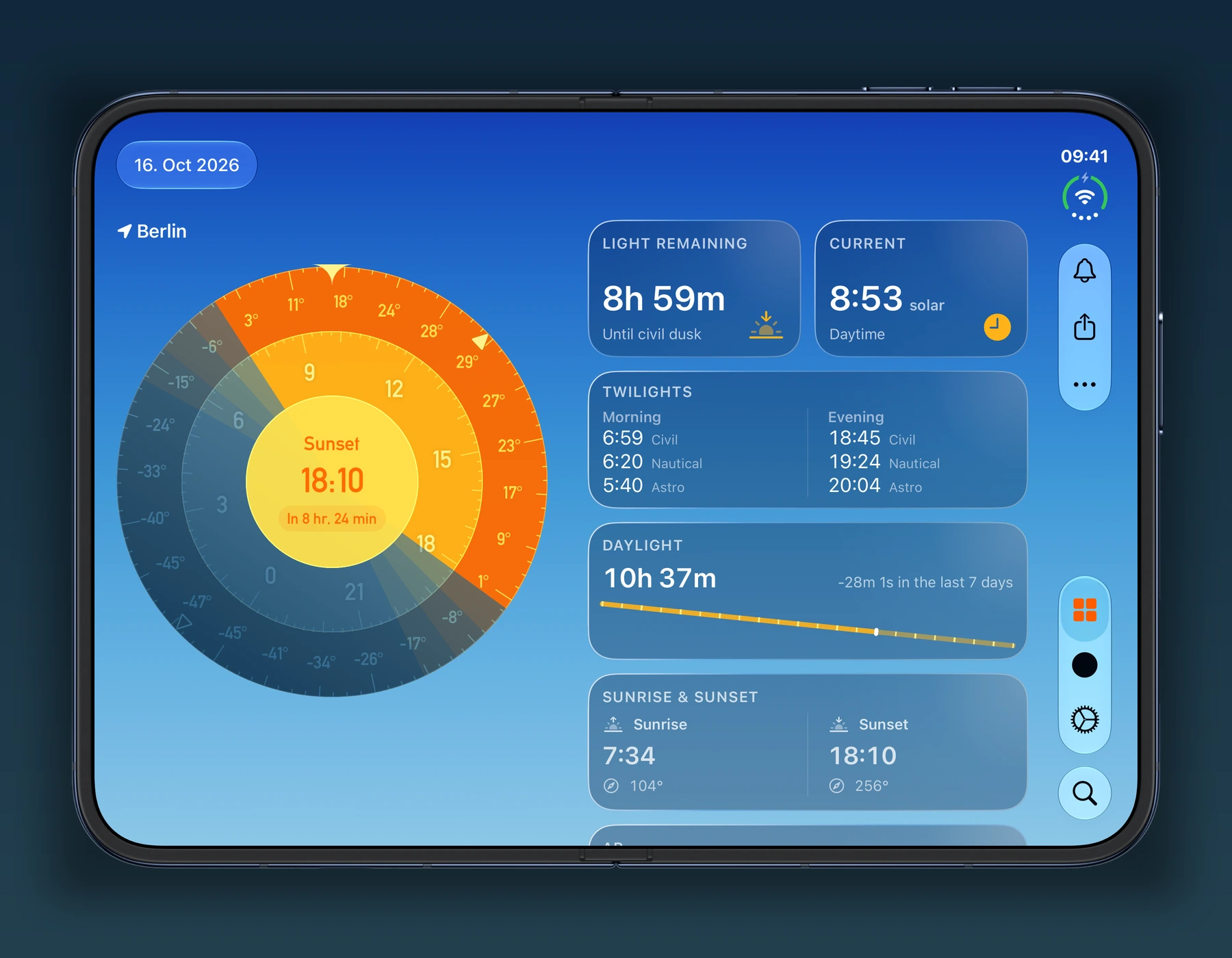

SolarWatch 2026.28 adds a forecast map. Instead of checking one city at a time, you can compare sunrise and sunset quality across nearby places before heading out for a walk or photos.
Tap the forecast tile to open the map. Move through upcoming sunrises and sunsets, then tap a city to see its forecast. The forecast map is part of SolarWatch Gold. Forecasts appear wherever data is available.
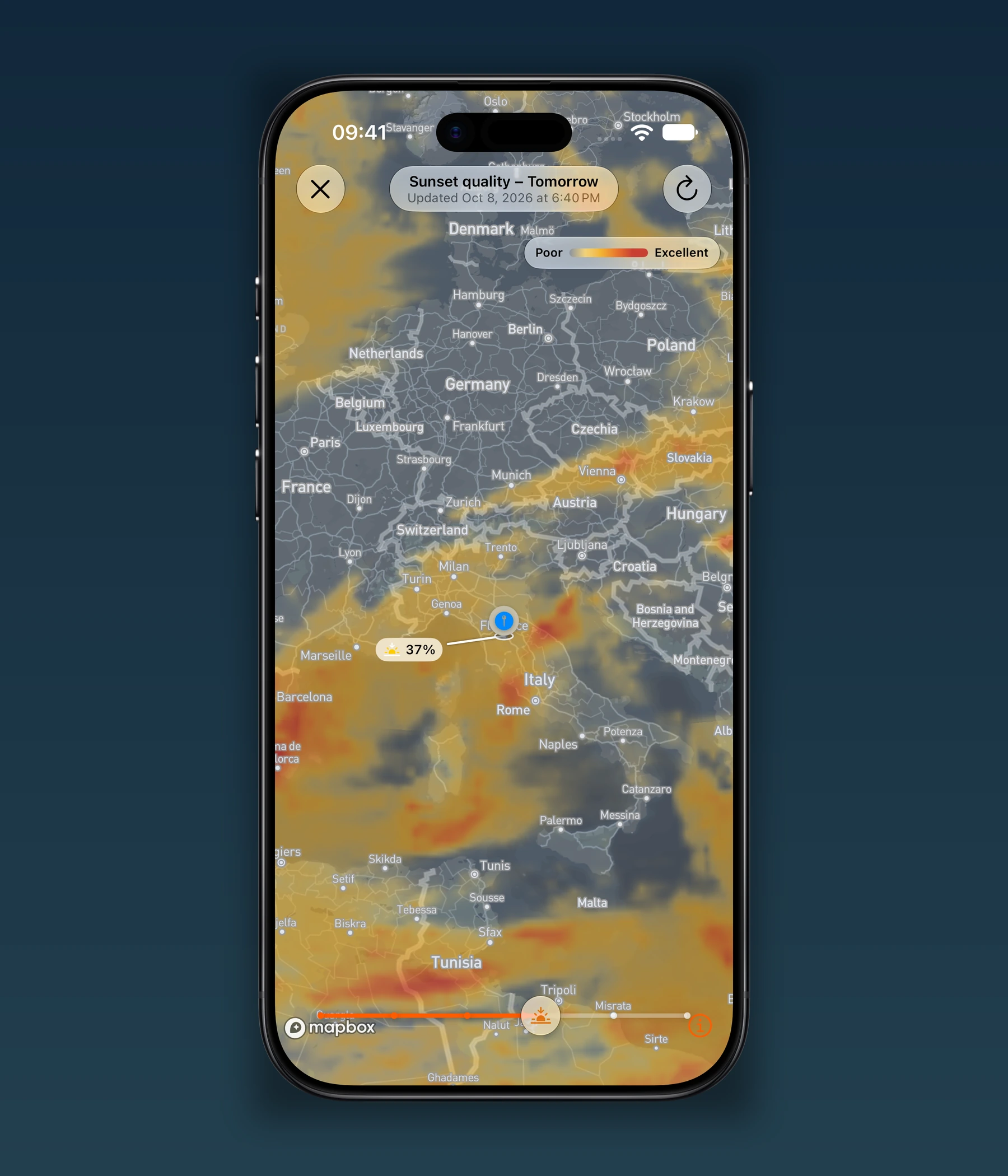
A good forecast doesn't guarantee a colorful sky. Check the local weather and your view of the horizon before leaving. The forecast tile guide explains how the quality score works.
On iPhone Duo, unfold the phone to keep the Solar Wheel beside your dashboard tiles. Stand it partly folded in tent mode for a full-screen animated dashboard. Eclipse maps also resize to fit the screen.