SolarWatch User Guide
- AR
- Classic Solar Data
- Current
- Daylight
- Solar Eclipses
- Light Remaining
- Magic Light
- Noon/Midnight
- Muslim Prayer Times
- Sunrise & Sunset Quality
- Seasons
- Shadows
- Solar Alarms
- Solar Wheel
- Sunrise & Sunset
- Twilights
- UV & Vitamin D
- Yearly Overview
- Start here
- Add and choose cities
- Edit the dashboard
- Choose your tiles
- Add iPhone widgets and Watch complications
- Create and manage solar alarms
- Timing options
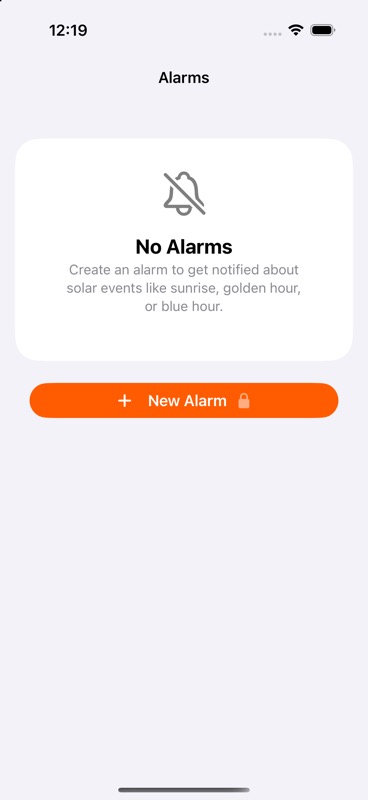
Solar alarms require SolarWatch Gold. Tap New Alarm to begin.
Solar alarms follow an event, such as sunrise, rather than a fixed clock time. Their time changes as the sun's schedule changes. They use your current location.
- Tap the bell on the dashboard, or the Solar Alarms tile on Current Location.
- Add an alarm. Choose Solar Event and an event, such as Sunrise.
- Choose whether to alert at the event, before it, or after it. For example, 30 minutes before sunrise gives you preparation time.
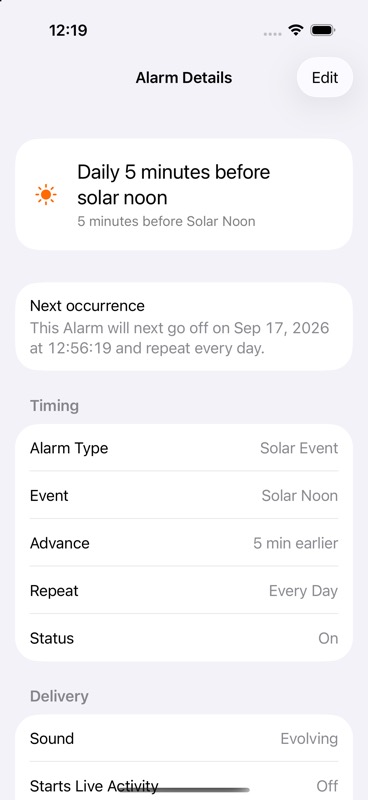
- Choose repeat days, sound, and delivery method. Check the next occurrence shown in the editor and tap Save Alarm.
Tap an existing alarm to view its settings; tap Edit to change them and save. Use its switch to turn it on or off. Delete Alarm removes it after confirmation. Off delivery keeps a configuration without delivering an alert.