
SolarWatch User Guide
- AR
- Classic Solar Data
- Current
- Daylight
- Solar Eclipses
- Light Remaining
- Magic Light
- Noon/Midnight
- Muslim Prayer Times
- Sunrise & Sunset Quality
- Seasons
- Shadows
- Solar Alarms
- Solar Wheel
- Sunrise & Sunset
- Twilights
- UV & Vitamin D
- Yearly Overview
- Start here
- Add and choose cities
- Edit the dashboard
- Choose your tiles
- Add iPhone widgets and Watch complications
- Create and manage solar alarms
- Timing options
Shows the sun's path and terrain horizon; tap to open the augmented reality view. Small is a shortcut, Large shows a horizon preview. Requires Gold. Enable Terrain Data Downloads in Settings for terrain information.
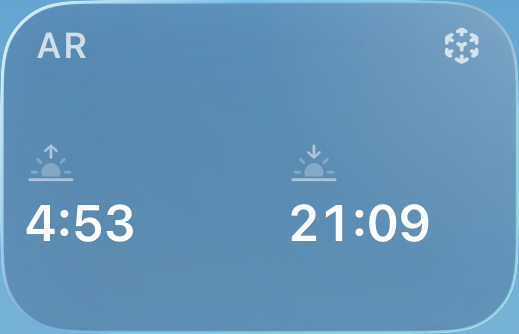
Sizes: Small, Large
More tile options
In AR, change the date and time, reset to now, and open Options to choose event labels and a Small, Medium, or Large scale. Use the crosshair to find when the sun reaches a point. AR needs camera and location access on a supported device.
Terrain: Settings → Terrain Data controls downloads and whether cached data is kept forever, for 30 days, or for 7 days. Mountains can affect when the sun becomes visible; nearby buildings and trees may still block it.